Plan before a due date
Rego reminders use 30, 7 and 1 day lead times; service reminders use 14, 7 and 1. Monthly fuel and charging summaries help review costs.
 DRILORE
Reminders & widgets
A due date is useful when you can notice it in time. Set the correct vehicle dates, allow notifications and choose the widget that fits your device.
The practical purpose
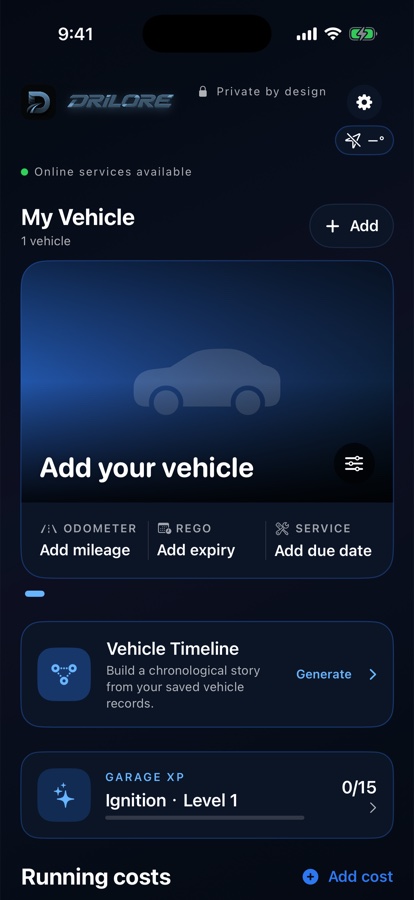
Real earlier Drilore 1.1 simulator examples with no customer data. Newer beta layouts may differ.
Rego reminders use 30, 7 and 1 day lead times; service reminders use 14, 7 and 1. Monthly fuel and charging summaries help review costs.
iPhone offers Home Screen and Lock Screen widgets; Android has a Home Screen vehicle widget. Weather is optional and provider-dependent.
Save insurer, CTP and roadside details. iPhone has an emergency-information card; Android offers calls from saved provider details. Missing numbers must be added first.
One short workflow
Evidence and limits
Date reminders are separate from experimental driving alerts. The beta guide explains background location, notification behavior and camera coverage.
Read the driving-alert beta instructions →Use it with confidence